What is a CRM for cleaners?
CRM stands for customer relationship management. For a cleaner, that means keeping a usable record of enquiries, customers, quotes, decisions and conversations rather than relying on memory or searching through messages. It is particularly helpful when you are carrying out cleaning work during the day and replying to enquiries in between jobs.
A cleaning CRM is not necessarily a tool that schedules shifts or plans cleaning routes. Nice One CRM focuses on the customer-admin side: enquiries, customer notes, quote follow-ups, tasks and invoices. That distinction matters when you are comparing it with specialist cleaning operations software.
A customer asks for a deep clean before moving house. You record the request, clarify which rooms and tasks are included, provide a quote and set a reminder to follow up. If they accept, you record the outcome and keep their details for future contact.
Why cleaning enquiries and quotes can be difficult to track
Cleaning business owners often handle enquiries from several places: phone calls, Instagram messages, recommendations, website forms and WhatsApp. None of those channels is necessarily a problem on its own. The difficulty comes when you need to remember what was promised in each conversation.
Quotes that never receive a follow-up
You have sent an estimate for an office clean, but the next day's jobs push the conversation out of mind.
Details spread across messages
Room requirements, access arrangements and preferred dates are in separate chats or notes.
Different kinds of customer
Regular domestic clients, one-off deep cleans and commercial prospects need different conversations.
No obvious next action
It is easy to lose sight of who is awaiting a price, who has replied and who needs calling back.
Recording the enquiry and its next step in a CRM gives you a way to review outstanding opportunities without searching your entire message history.
From a cleaning enquiry to an invoice: an eight-step example
Here is how a sole trader or small cleaning business could use Nice One CRM to manage the customer conversation. The actual cleaning appointment and staffing arrangements are agreed and managed separately.
- Record the enquiry
A new customer asks for a fortnightly home clean, a deep clean or an office quote. Add their contact details and the work they have in mind.
- Clarify the requirements
Note the property type, approximate size, frequency, rooms, access needs and any questions you need to ask before pricing.
- Arrange an assessment if needed
For an unfamiliar property or commercial job, arrange a conversation or visit before confirming the scope.
- Prepare the quote
Describe the proposed work and price clearly, using your own assessment rather than relying on a generic time estimate.
- Follow up
Create a task to check whether the customer has questions or wants to go ahead.
- Record the outcome
Mark the enquiry as won or lost so you know which opportunities still need attention.
- Send an invoice
Convert an accepted quote into an invoice when it is appropriate to bill.
- Keep the relationship
Retain the customer's notes and contact information so the next conversation is easier.
Not every customer decides immediately. A polite reminder after a quote can clarify whether they need more information. It also helps you stop chasing enquiries once the customer has declined.
CRM features useful for a cleaning business
You do not need dozens of advanced sales features to manage cleaning enquiries. For many small businesses, the priority is knowing who contacted you, what they want and what to do next.
Enquiry Manager
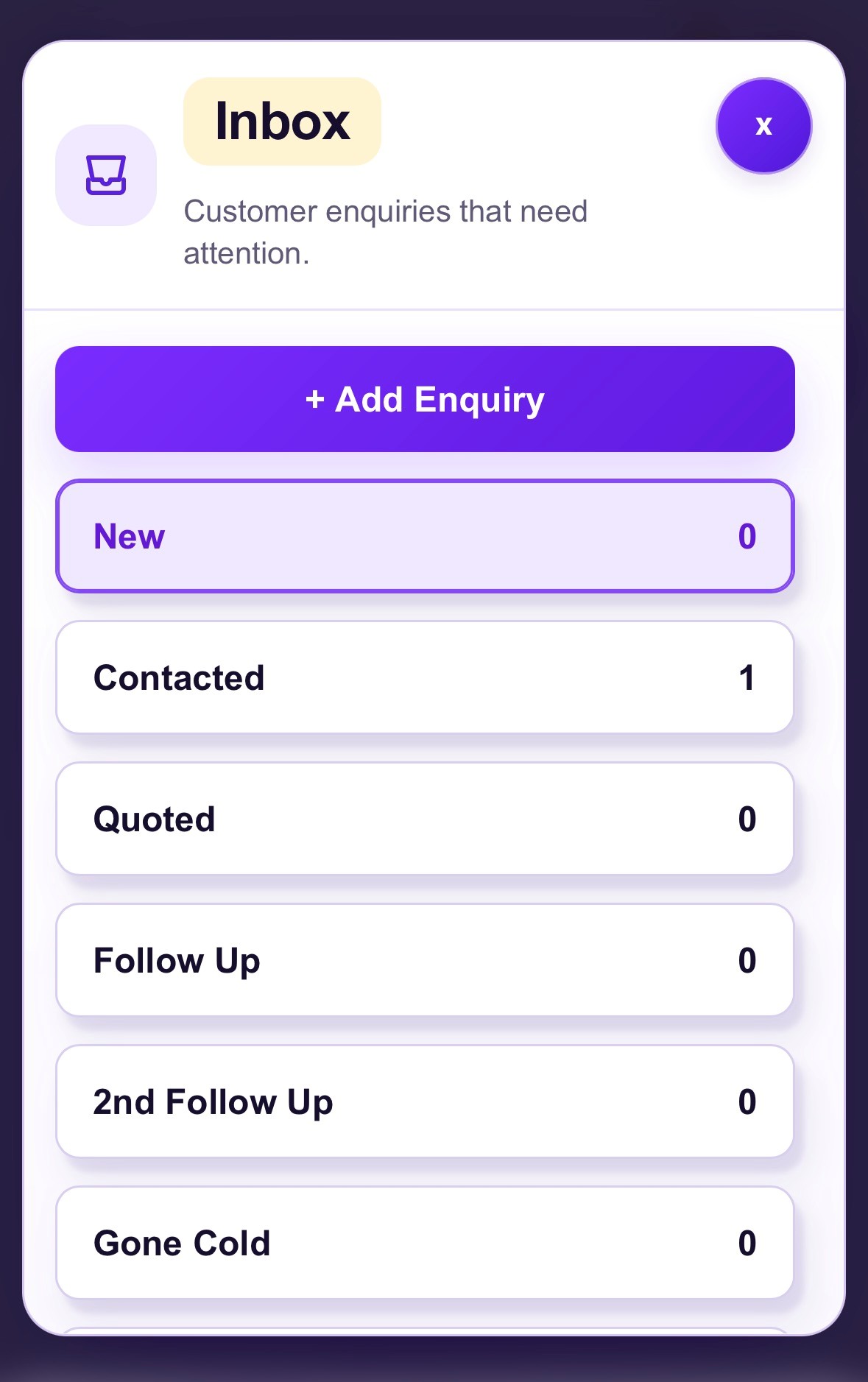
Keep requests for regular cleans, end-of-tenancy work and office cleaning in one place. Record calls or messages manually, and receive Business Page form submissions in Enquiry Manager.
Customer records and notes
Store customer contact information alongside cleaning requirements, access instructions and notes from previous conversations. Use tags to help organise different customer types.
Quotes and invoices
Create a quote for agreed work and convert an accepted quote into an invoice. This is useful for one-off cleans and commercial proposals as well as domestic work.
Follow-up tasks
Remember to call a homeowner, send a revised deep-clean quote, or ask a business whether it wants to proceed with an estimate.
Your Business Page
List cleaning services and prices, share an enquiry form and optionally let customers request a preferred date. You confirm the arrangements yourself; requests are not bookings.
UK Prospects
Research potential local business prospects for commercial cleaning outreach. These are not confirmed cleaning jobs or people who have requested your service.
Use a cleaning-time calculator as a starting point
When a potential customer asks how long a clean will take, the answer depends on more than the number of bedrooms. The condition of the property, how much needs moving, the detail expected and whether the work is routine or a deep clean can all make a substantial difference.
Nice One CRM has a free cleaning-time calculator you can use to explore a rough estimate. It can also be offered as an optional tool on a cleaning business's Business Page to help visitors think about the work before submitting an enquiry.
Bathrooms and kitchens can take considerably longer when there is heavy build-up or detailed cleaning involved. Treat any calculator result as a guide, not a fixed duration or binding quotation. Clarify the scope and property condition before agreeing the job.
Try the free cleaning-time calculator
On your Business Page, visitors can also enquire about a preferred cleaning date if you enable the optional calendar. A date enquiry is not a confirmed booking; you review and agree the details directly.
CRM for domestic, deep-clean, end-of-tenancy and commercial cleaners
Different cleaning services involve different enquiries, but the underlying customer workflow is often similar. You need to establish what is required, communicate a price or next step and keep a record of the outcome.
Domestic cleaners
Track enquiries for weekly or fortnightly cleaning, remember the customer's priorities and keep follow-up actions together.
Deep-clean specialists
Record the areas requiring extra attention, clarify what is included and avoid treating a rough time estimate as a fixed quote.
End-of-tenancy cleaners
Keep requests, property details, access discussions, quotations and customer decisions together while organising the work separately.
Commercial and office cleaners
Build a prospect list of relevant UK businesses, note who you have contacted and follow up after site visits or proposals.
Sole traders and small teams
Manage customer-facing admin without needing a complicated sales system. Nice One CRM is not designed to allocate cleaners to shifts or manage a staff rota.
For commercial cleaning, Prospects can be used to research potentially relevant UK businesses and save prospects for your own outreach. It is not a source of confirmed cleaning contracts. For domestic cleaning, your Business Page and enquiry form provide a way for interested customers to contact you.
See how Nice One CRM works
This short overview shows the CRM experience. The tools are general small-business tools, but the same enquiry and follow-up process applies to cleaning businesses.
CRM vs WhatsApp, notebooks and spreadsheets for cleaners
There is nothing wrong with using the tools you already know. A cleaner with only a few customers might be perfectly happy using phone contacts and a notebook. A CRM becomes more useful once enquiries, quotes and follow-ups are difficult to track in one place.
| Method | Good for | Potential limitation |
|---|---|---|
| Notebook or notes app | Fast for jotting down a request | Follow-ups can be hard to see at a glance |
| WhatsApp and text messages | Easy conversations with customers | Quotes and requests may disappear among other messages |
| Spreadsheet | Useful for a basic customer list | Reminders and enquiry stages need manual upkeep |
| Cleaning CRM | Brings enquiries, customer details, tasks and quotes together | Takes a little time to build the habit of recording each enquiry |
How to choose a CRM for a small cleaning business
Start with your day-to-day problems rather than a long feature checklist. Do you need to remember quotes, track new enquiries, organise customer details or prospect for commercial work? Decide which problems you want software to solve before choosing a tool.
For a sole trader or small business, useful criteria include mobile access, easy customer notes, clear follow-up reminders, quotes and invoices, straightforward pricing and a setup that does not take all afternoon to learn.
If you need automatic recurring bookings, staff rota management, route planning or cleaner allocation, you may also need specialist cleaning operations software. Nice One CRM is designed for the customer relationship and enquiry side of the business rather than those operational jobs.
It can be a practical fit if you want a simple way to record customer conversations, prepare quotes and remember the next follow-up. You can try the workflow for 14 days without entering a card, then decide whether it saves enough time to be useful.
Explore the free trialFrequently asked questions about CRM for cleaners
What is a CRM for cleaners?
A CRM for cleaners is software for organising enquiries, customer contact details, notes, quotes and follow-ups. It helps a cleaning business see which potential customers need a reply and which work has been agreed.
Do I need a CRM if I am a self-employed cleaner?
Not always. A notebook or spreadsheet may be enough when you have very few enquiries. A simple CRM can become useful when you regularly prepare quotes, manage multiple customers or forget who needs following up.
Can I manage domestic and commercial cleaning customers?
Yes. Nice One CRM can store customer records, enquiry details, notes and follow-up tasks for domestic, end-of-tenancy, deep-clean and commercial work.
Can Nice One CRM help me find cleaning leads?
Prospects helps you discover potential UK business prospects that may be relevant to commercial cleaning. It does not supply guaranteed jobs, confirmed enquiries or lists of homeowners currently seeking a cleaner.
What does the cleaning-time calculator do?
The free calculator gives a starting estimate of cleaning time based on the information entered. Actual time can vary significantly with property size, condition, clutter, the tasks included and the team doing the work. Check requirements before committing to a duration or price.
Can customers request a cleaning date?
An optional availability calendar on your Business Page lets customers enquire about a preferred date. You review and confirm the arrangements yourself. It does not automatically reserve or confirm a booking.
Does Nice One CRM manage cleaners' rotas or recurring bookings?
No. Nice One CRM focuses on customer enquiries, contacts, follow-ups, tasks, quotes and invoices. It is not a specialist cleaning rota, route-planning or automatic recurring-booking system.
Can I create quotes and invoices?
Yes. You can create customer quotes and invoices and convert an accepted quote into an invoice.
Can I use it on my phone?
Yes. Nice One CRM works in a mobile or desktop browser, so you can check customer notes and follow-up tasks between cleaning jobs.
How much is Nice One CRM?
Nice One CRM offers a 14-day free trial without a card. After the trial it costs £7.49 per month.
Keep the next cleaning enquiry from getting forgotten
Try Nice One CRM to manage customer details, enquiries, quotes and follow-up tasks in one place.
Start your 14-day free trialNo card required · Then £7.49/month