Messages in different places
One owner messages on Instagram, another emails and someone calls while you are out walking. Recording their enquiries in one place reduces the chance that a reply gets forgotten.
Guide for UK dog walkers and pet service businesses
Between early walks, meet-and-greets and messages from pet owners, the admin behind a dog walking business can be surprisingly easy to lose track of. A simple CRM helps you remember who enquired, what they need and what you agreed to do next.
This guide explains when customer relationship management (CRM) software is useful, what it can help with and where it differs from specialist pet-care booking tools. Nice One CRM is designed for everyday small-business admin, including customer enquiries, notes, tasks, quotes and invoices.
Try Nice One CRM free14 days free · No card required · Then £7.49/month
A CRM is a place to organise your relationships with customers and potential customers. For a dog walker, that means keeping enquiries, contact details, notes and the next action together instead of searching through texts, emails and bits of paper.
Imagine a new owner asks whether you have space for regular lunchtime walks. You need to reply, learn a little about their dog, decide whether you can offer the service, arrange a meet-and-greet and agree a price. A CRM helps you keep track of that conversation from the first message until the owner gives you an answer.
It is important to distinguish customer admin from pet-care operations. Nice One CRM can hold everyday notes and follow-up tasks, but it is not a specialist dog walking diary, a route planner, an animal-care record or a live booking platform.
Not every new dog walker needs software immediately. If you have three regular customers and very few enquiries, your phone and a notebook might work perfectly well. The challenge usually arrives when the number of conversations grows and you must remember which ones still need a response.
One owner messages on Instagram, another emails and someone calls while you are out walking. Recording their enquiries in one place reduces the chance that a reply gets forgotten.
You have spoken to an owner but they have not decided whether to go ahead. A reminder helps you check back politely rather than letting the conversation disappear.
A returning owner asks about extra visits. Notes from the previous conversation can help you pick up where you left off, without relying entirely on memory.
If you have discussed a service package, a quote and any subsequent invoice can stay with the same customer record.
The point is not to add another app for the sake of it. It is to spend less time working out what needs doing next, particularly when you are often away from a desk.
Here is a fictional but typical example of how a solo dog walker could use a simple CRM without turning their entire business into a complicated system.
A potential customer asks about two lunchtime walks each week. Record the enquiry and how to contact them.
Note the dog's name, preferred days, approximate location and any questions to discuss. Arrange a meet-and-greet directly.
Discuss whether the service is suitable, confirm practical arrangements and record useful notes under the owner's customer record.
If appropriate, put the agreed service and price into a quote so both sides know what has been proposed.
Set a task to check back if the owner needs time to decide, rather than relying on memory or finding an old message.
Mark the enquiry as won or lost, then convert an accepted quote into an invoice when you need to bill.
The most useful features are often the simple ones: a clear record of an enquiry, a reminder to respond and a place to keep the customer details. Nice One CRM provides the following tools for small pet businesses.
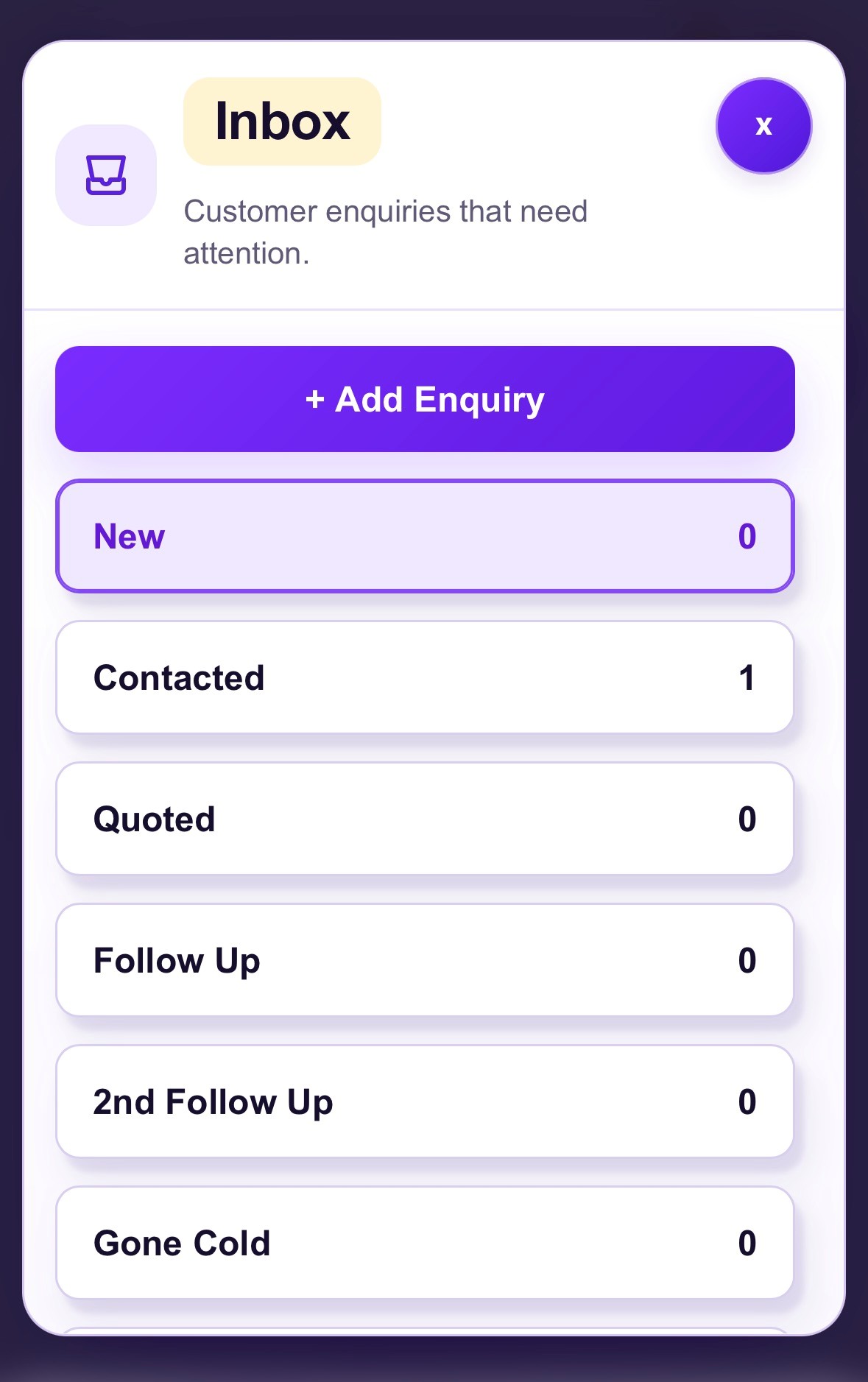
Keep track of people asking about group walks, solo walks, puppy visits or holiday pet sitting. Enter requests from calls and messages, or receive enquiries sent through your Nice One CRM Business Page.
Keep contact details and notes about the pet and your conversations together. You can note names, preferences and questions to ask, but this is not a specialist pet profile, veterinary record or care management system.
Set yourself a reminder to return a call, confirm arrangements, send a price or check whether an owner wants to go ahead.
Create quotes for agreed walks, visits or packages, keep them linked to the customer and convert an accepted quote into an invoice. Nice One CRM does not provide automatic recurring billing or payment collection.
Show your services, packages and prices using fixed, 'from' or enquiry-only options. An enquiry form sends requests to Enquiry Manager. The optional availability calendar lets owners ask about preferred dates, which you confirm yourself.
Use growth tasks to make time for actions such as improving your Google Business Profile and making it easier for local owners to find your services.
You can also use Prospects to research potential UK business contacts if business partnerships are relevant to your plans. It does not supply pet-owner enquiries, guaranteed referrals or lists of individuals looking for walking services.
Watch a short introduction to the customer-enquiry tools. The same general workflow can be used for dog walking and other pet services.
Yes. The way enquiries arrive and the services you provide may change, but there is often a similar need to record an enquiry, remember details, respond promptly and agree the next step.
Track solo or group walk enquiries, conversations about suitable days, meet-and-greet follow-ups and price discussions.
Note an owner's requested holiday dates, the pets involved and outstanding questions while you confirm whether you can help.
Keep new grooming enquiries, consultation notes, customer contact details and quote follow-ups organised.
Keep track of initial consultation enquiries, what an owner hopes to work on and follow-up messages after your first conversation.
For booking diaries, repeat appointments, pet health records, walking routes or staffing schedules, you may still need a dedicated specialist tool alongside your CRM.
Many dog walkers start with the tools they already use. There is nothing wrong with that. The question is whether those tools are still helping you stay on top of every enquiry as your customer base grows.
| Method | Where it helps | What can become difficult |
|---|---|---|
| WhatsApp and social DMs | Quick conversations with owners | Finding outstanding enquiries across different conversations and channels |
| Notebook or notes app | Writing down information quickly | Connecting each note to a clear follow-up and customer history |
| Spreadsheet | Keeping a simple owner or customer list | Remembering the next action and managing conversations while out walking |
| CRM | Keeping enquiries, customer details, reminders and documents together | Needs a small amount of regular updating to be useful |
A CRM does not have to replace the way owners contact you. You can continue using your phone and preferred messaging channels, then record the important information and next steps in your CRM.
The most expensive system is not automatically the most suitable. When choosing a CRM for a one-person dog walking business or a small team, look for a tool that fits your actual working day.
Nice One CRM is intended for straightforward small-business customer admin. Its 14-day free trial lets you try an enquiry, save an owner, create a reminder and see whether the workflow feels useful before paying.
A CRM helps a dog walker keep customer enquiries, owner contact details, notes, follow-ups and tasks organised. Nice One CRM also includes quotes, invoices and a shareable Business Page.
Not necessarily. A notebook or spreadsheet may be enough when you only have a few customers. A simple CRM can become helpful when enquiries, quotes and callbacks are difficult to keep track of between walks.
You can record pet names and everyday details in the owner's customer notes, including notes about more than one pet. There are no dedicated pet profiles or veterinary-record features.
No. The optional availability calendar accepts enquiries about preferred dates. A request is not a confirmed booking; you agree suitability, times and arrangements with the owner yourself.
No. Nice One CRM is for customer and enquiry administration. It does not plan walking routes, assign staff, calculate animal capacity or manage recurring booking schedules.
Yes. These businesses can use it for new enquiries, customer notes, follow-up tasks, quotes and invoices, while continuing to use any specialist tools needed for their service delivery.
Yes. The Business Page services menu can show walks, visits or other services, with fixed prices, starting prices or an option to enquire.
No. Prospects helps discover potential UK business contacts, not private lists of pet owners looking for a dog walker or guaranteed referrals.
Yes. It works in a browser on mobile and desktop, so you can check enquiries and reminders while you are away from your desk.
There is a 14-day free trial with no card required. After the trial, it costs £7.49 per month.
If owner enquiries, customer notes and callbacks are becoming difficult to follow, Nice One CRM gives you a simple place to organise them. Try it with your own day-to-day admin and see whether it helps.
Start your 14-day free trialNo card required · Then £7.49/month
Explore the Nice One CRM Your Business Page and Customers features.