What is a CRM for tradespeople?
CRM stands for customer relationship management. For a builder, electrician, plumber, roofer or other tradesperson, that simply means having a reliable way to keep track of people who enquire about work, existing customers and what needs to happen next.
A trade CRM is not necessarily a complicated system for managing big construction projects. For a small business, it can be a straightforward place to record a homeowner's details, note the work they want, arrange a quote visit, send an estimate and remember when to call them back.
It is particularly useful when a customer calls while you are driving between jobs, messages you during a site visit or gets in touch again weeks after an estimate. Instead of searching through texts and notes, you can look up the customer and see where things stand.
Example: A homeowner asks for a bathroom refit quote. You record their contact details and the job, arrange a visit, send a quote and set a reminder to follow up a few days later. If they accept, you mark the enquiry as won and keep the record ready for invoicing and future work.
Why might a tradesperson need a CRM?
The problem is rarely a lack of customers' messages. It is that those messages arrive in too many places and at inconvenient times. A missed follow-up can mean an otherwise promising quote never gets another conversation.
- Enquiries get buried: a new request sits halfway up a WhatsApp chat or in an unanswered text.
- Callbacks are easy to forget: the customer calls while you are on a ladder or working with tools.
- Quotes go quiet: you send an estimate but have no reminder to find out whether the customer wants to proceed.
- Information is scattered: the address is in your phone, the measurements are in a notebook and the quote is in an email.
- Old customers are harder to recognise: someone calls six months later and you cannot quickly find the previous notes.
Keeping a customer record and a next action together helps solve these practical problems. It does not replace speaking to your customers or doing the work; it makes the admin around that work easier to manage.
How a trade CRM works: from enquiry to invoice
Think of your CRM as the thread connecting a customer's first enquiry with the final paperwork. Not every job follows exactly the same route — an emergency repair is different from a full kitchen renovation — but a consistent process keeps things from slipping through the cracks.
- Capture the enquiryWrite down what the customer needs, their contact details and where the enquiry came from. You can also collect requests through your Business Page form.
- Record the job detailsAdd the property or site details, relevant notes and any information you will need when you call back.
- Arrange a quote visitCreate a task to arrange or confirm the visit, rather than relying on remembering it at the end of a busy day.
- Send the quotePrepare a quote and keep the customer and proposed work connected to the same record.
- Follow upSet a reminder to ask whether the customer wants to go ahead. Some customers need time to decide.
- Record the outcomeMark the enquiry as won or lost, so it is clear which opportunities are still open.
- Invoice when appropriateWhen the quoted work is accepted and it is time to bill, convert the quote into an invoice.
- Keep the relationshipRetain the customer details and notes so the next conversation starts with useful context.
For example, a roofing contractor might receive three repair enquiries and two larger roof replacement requests in the same week. A simple enquiry list helps them see which need a survey, which need an estimate and which customers are waiting for a follow-up. The same process works for a sole trader handling only a few enquiries at a time.
Which CRM features are most useful for trades?
It is tempting to compare software by the longest feature list. For many small trade businesses, a handful of everyday tools are more valuable than a complicated system that takes hours to learn.
Enquiry tracking
A boiler repair request, a decorating estimate and a kitchen fitting enquiry may arrive through different channels. Record them in Enquiry Manager, then see which need a callback, quote or follow-up.
Customer records
Keep phone numbers, notes and tags with each customer. It is easier to pick up where you left off when someone calls about another job.
Quotes and invoices
Create quotes, record the work and price, and convert an accepted quote into an invoice when appropriate. This helps reduce repeated admin.
Tasks and reminders
Create practical actions such as ‘call Mrs Jones about the boiler quote’, ‘send revised estimate’ or ‘arrange site visit’.
Business Page and enquiry form
Share a simple page describing your services. Prospective customers can submit an enquiry straight into your Enquiry Manager. An optional availability calendar lets them request a preferred date, subject to your confirmation; it does not reserve a booking.
Local business prospecting
Prospects can help you discover potential UK business prospects and save them for outreach. It does not supply guaranteed jobs or customers who have already requested your services.
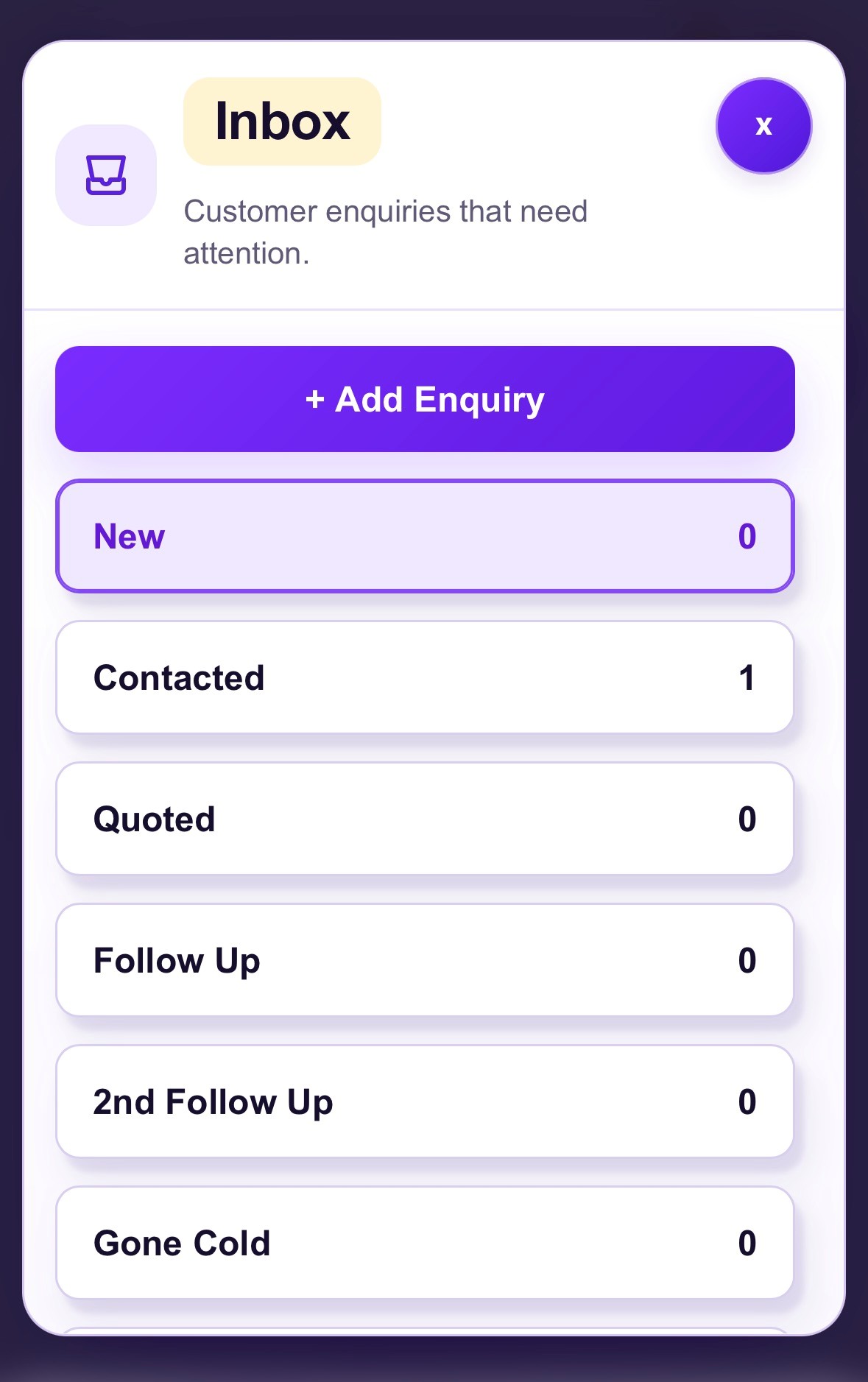
See how Nice One CRM works
Prefer to see the software? This short overview shows how Nice One CRM can support the customer admin around your day-to-day work.
See how Nice One CRM works
Working alone? You do not need a large office or a sales team to benefit from a CRM. The main advantage is having a dependable list of the customers and next actions that would otherwise be easy to forget. Read more about CRM for sole traders.
Which trades can use Nice One CRM?
The underlying admin is similar across many trades: someone enquires, you find out what is needed, arrange the next step, provide a price and keep in contact. These guides look at how the process differs by type of work.
CRM for builders
Keep renovation enquiries, site visits and estimates in order.
CRM for electricians
Track electrical call-outs, quote requests and callbacks.
CRM for plumbers
Organise repair enquiries, installation quotes and repeat customers.
CRM for roofers
Follow up roof inspections, repair estimates and larger projects.
CRM for gardeners
Manage one-off enquiries and recurring customer work.
CRM for cleaners
Keep new requests, customer details and follow-ups together.
CRM for carpenters and joiners
Track bespoke work, measurements, estimates and customer replies.
CRM for sole traders
A simple approach to customers and follow-ups when you work alone.
CRM vs spreadsheets, notes and WhatsApp
You may not need dedicated software when you are starting out. A notebook, phone contacts and a spreadsheet can work perfectly well with a small number of enquiries. The difficulty usually starts when you need to remember the next action for several customers at once.
| Method | Useful for | Main limitation |
|---|---|---|
| Notebook or notes app | Quickly jotting down a job detail | Enquiries and next actions can become scattered |
| WhatsApp or texts | Talking to customers in the moment | Earlier quote requests can get buried in conversations |
| Spreadsheet | Maintaining a basic contact or jobs list | Reminders, quotes and history need more manual upkeep |
| CRM | Connecting enquiries, customer details and next steps | You need to get into the habit of recording updates |
A CRM does not mean giving up WhatsApp or phone calls. You can continue talking to customers however you prefer, then record the important details and the next step in one consistent place. That makes it easier to stay organised as your workload changes.
How to choose a CRM for your trade business
Start with the practical problems you want to solve. If the biggest issue is chasing quotes, look for clear follow-up reminders. If job details are scattered across messages, prioritise searchable customer records. Do not assume that the most expensive product is the best fit.
- Easy to use: can you add an enquiry in a short break between jobs?
- Mobile friendly: can you find a customer's details while away from your desk?
- Clear next actions: can you see which enquiries still need attention?
- Quotes and invoices: can you do the paperwork your business actually needs?
- Simple pricing: is the monthly cost clear and appropriate for the size of the business?
- Room to build a habit: does the system make recording updates straightforward rather than adding extra admin?
Nice One CRM is designed for small businesses, including sole traders, who want enquiry tracking, customer notes, reminders, quotes and invoices without an enterprise-sized setup. It works on mobile and desktop and offers a 14-day free trial with no card required. You can check the pricing before deciding.
Frequently asked questions about CRM for trades
What is a CRM for trades?
A CRM for trades is software that helps a tradesperson organise enquiries, customer details, quotes, reminders and follow-ups. It gives each potential job a clear next step.
Do sole traders need a CRM?
Not every sole trader needs one. A CRM can be helpful once customer messages, outstanding estimates and callbacks become difficult to manage in your head or a notebook.
What is the best way to track trade enquiries?
Use a consistent process: record the customer's details and job request, add the next action, set a follow-up reminder and update the outcome. A CRM can keep those steps together.
Can a CRM help me follow up quotes?
Yes. Nice One CRM lets you keep track of quote-related customer work and create tasks or reminders to follow up instead of relying on memory.
Can I create quotes and invoices?
Yes. Nice One CRM supports quotes and invoices, including converting an accepted quote into an invoice.
Can customers request a date for a quote visit?
Yes. The optional availability calendar on your Business Page allows customers to enquire about a preferred date. It does not confirm or reserve a booking; you agree the arrangements yourself.
Can I use Nice One CRM on my phone?
Yes. Nice One CRM works on mobile and desktop, so you can check customer details and follow-ups between jobs.
Does Prospects provide guaranteed trade jobs?
No. Prospects helps discover potential local UK business prospects. They have not necessarily requested your services, and work is not guaranteed.
How much does Nice One CRM cost?
You can try Nice One CRM free for 14 days without a card. After the trial it costs £7.49 per month.